Data Center
Overview
The data center is the hosted OpenShift environment for the hackathon. Facilitators provision it through Red Hat Demo Platform (RHDP), optionally enable robot auto-registration during order, and can customize console login branding via GitOps in this repository.
Provision on Red Hat Demo Platform
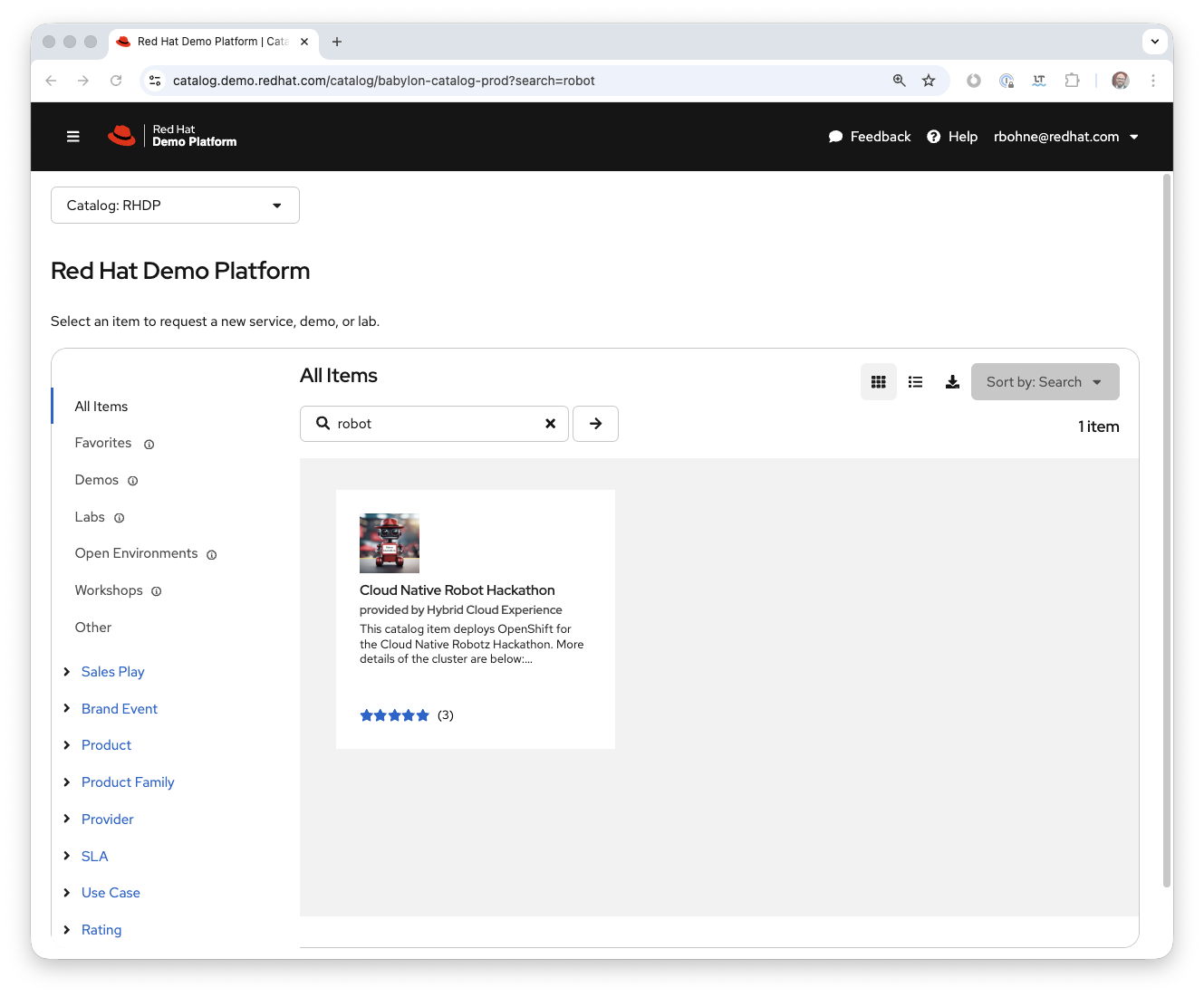
- Open the RHDP catalog and search for robot, or use the Cloud Native Robot Hackathon catalog entry directly.
- Complete the order wizard using the field guidance in Full day — Order OpenShift Data Center env.
Robot auto registration (optional)
In the provisioning form, enable robot auto registration if teams should register robots against a GitHub repo automatically:
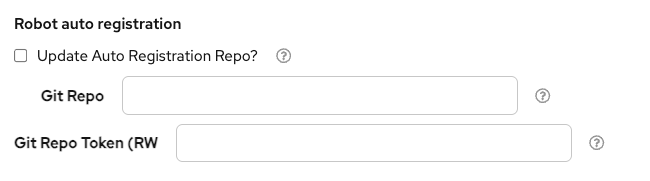
Values depend on your teams, robot names, and the associated robot-auto-register repository. For setup details and examples, see Robot Auto Register.
Example repository URL:
Customize OpenShift console branding
Branding lives under datacenter/cluster-configuration/ in the infrastructure repo. Work from a clone of that repository on your machine.
Login and OAuth HTML templates
- Log in to the data center OpenShift cluster as an admin (see Full day for ordering and access).
- Edit the HTML sources in
datacenter/cluster-configuration/base/namespace/openshift-config/Secret/
—errors-template.html,login-template.html, andproviders-template.html. - From that
Secret/directory, run:
Console logo (light / dark)
- In
datacenter/cluster-configuration/base/namespace/openshift-config/ConfigMap/
replace or editopenshift-robot-black.pngandopenshift-robot-white.pngas needed (for example export from GIMP as PNG). - From that
ConfigMap/directory, run:
Publish and sync
- Commit and push your changes.
- In Argo CD, refresh and sync the
cluster-configurationapplication so the cluster picks up the updates.